All case studies

Product design · B2B audio SaaS

Space: live audio rooms on any website.

Space is a B2B platform that lets companies embed Clubhouse-style audio on their own website, for sales conversations, e-commerce and fireside chats. We designed the widget visitors use to join a live room, talk, react and buy, without leaving the page.
Client
Space
Product
Embeddable audio widget
Type
Product design
Use cases
Sales · E-commerce · Fireside chats
Result
+18.1% MRR
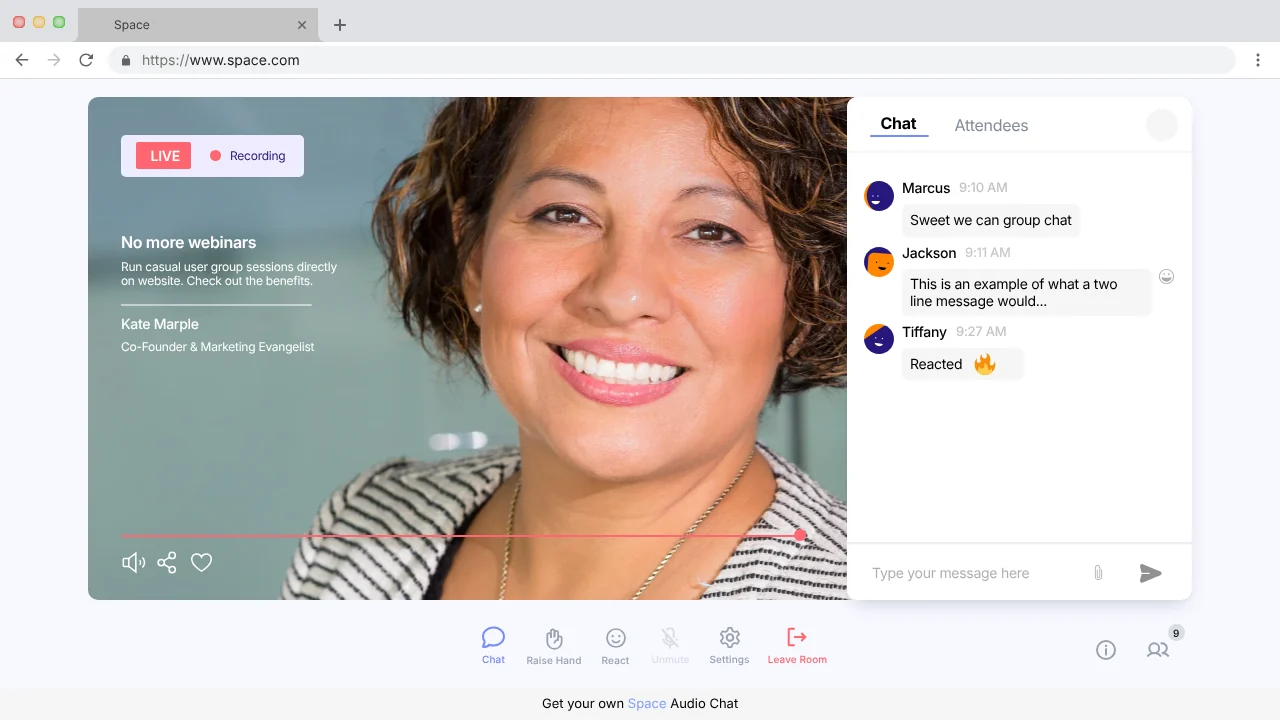
Expanded Space audio room on a website: a live, recording session with the speaker's photo on the left and group chat on the right, above controls for chat, raise hand, react, settings and leave room.
+18.1%
increase in monthly recurring revenue
3
ways to listen: compact widget, expanded view and pop-out
4
features: live rooms, 1:1 audio chat, RSVPs and past sessions

The brief

Bring the conversation to the customer.

Live audio builds trust fast, but sending website visitors off to another app to listen breaks the moment. Space puts the room right on the company’s own site, where the customer already is.

The widget had to work for someone who has never used it: join in a click, understand who’s speaking, take part when they want to, and never lose the page they came to see.

We designed four features into one widget:

01

Live audio rooms

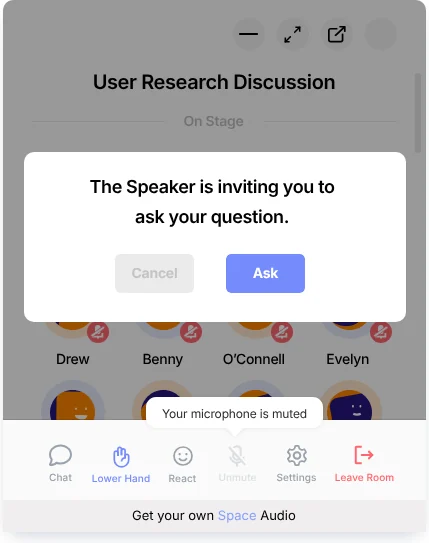
Join a live discussion, listen to the host, raise a hand and speak when invited.

02

1:1 audio chat

Start a private audio and text chat with the team, with an offline state when no one’s around.

03

RSVP to events

See upcoming audio events and RSVP straight from the widget.

04

Previous sessions

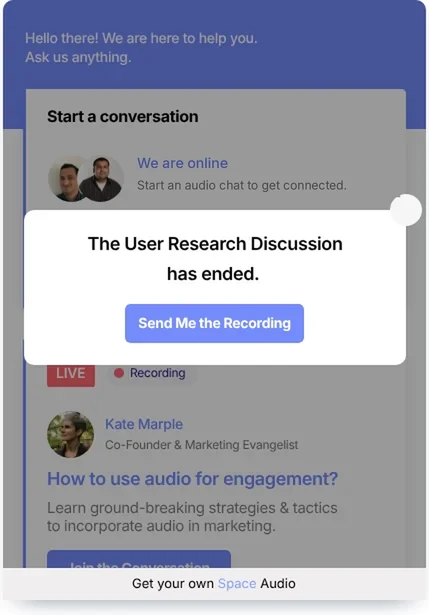
Listen back to recorded sessions, or have the recording sent by email.

Joining a live audio room
From visitor to speaker in a few taps.

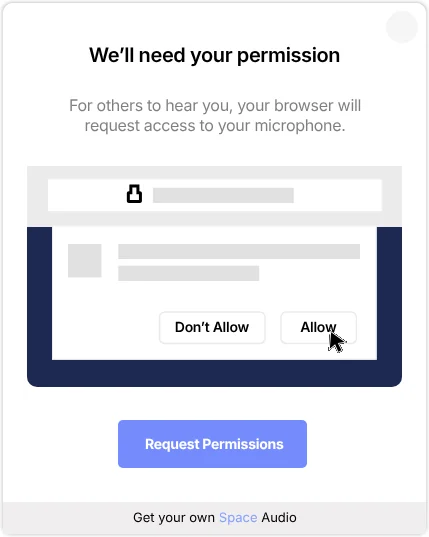
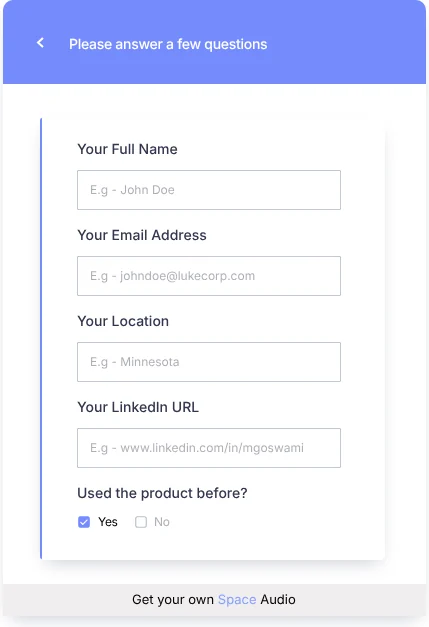
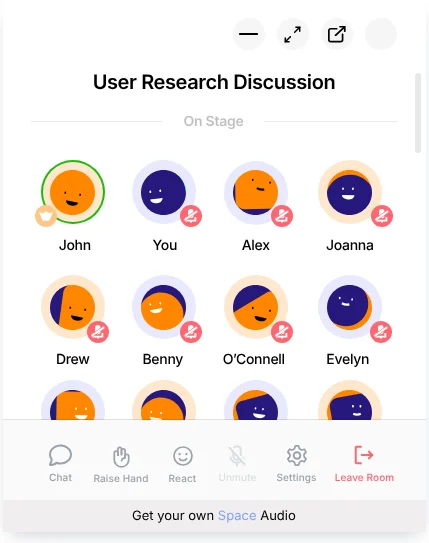
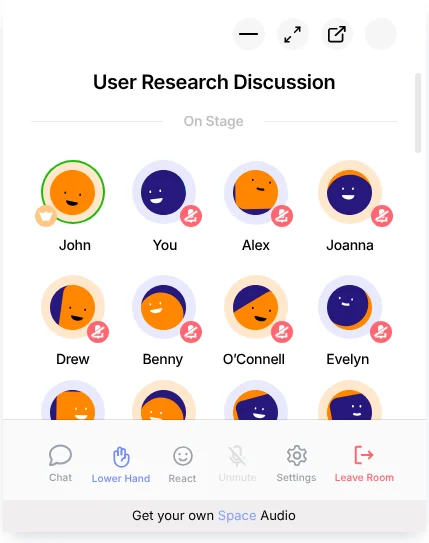
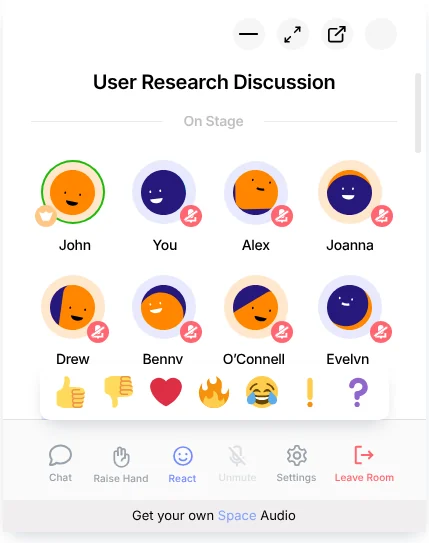
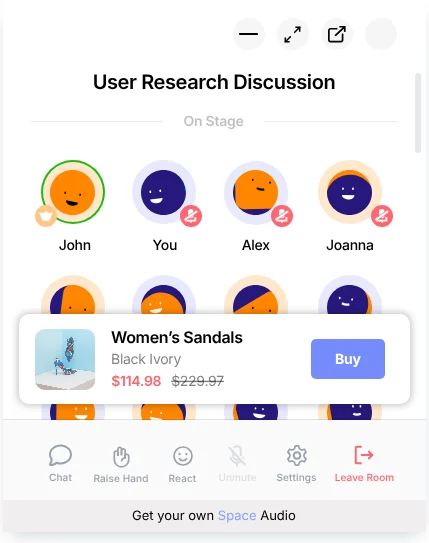
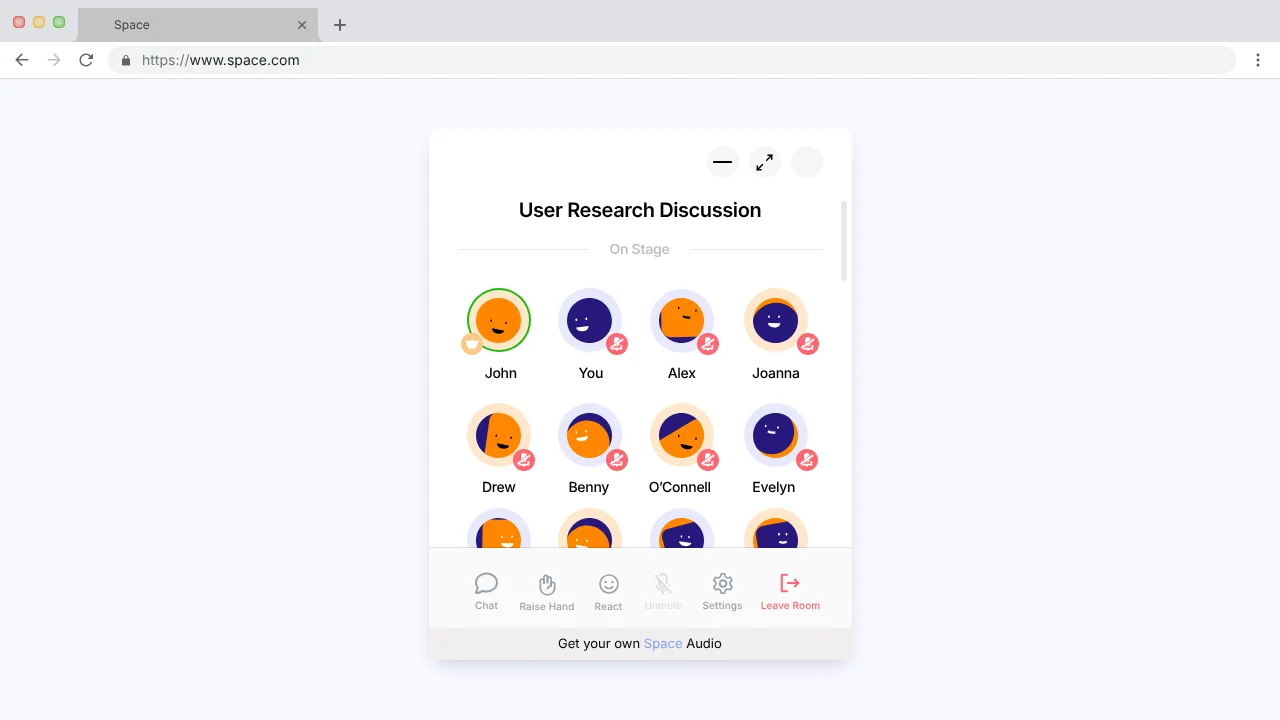
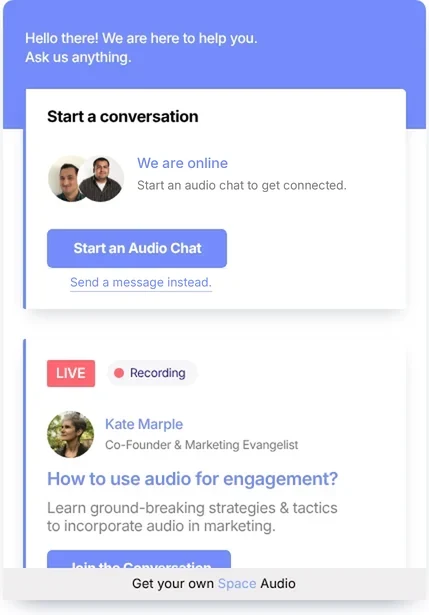
Widget greeting 'Hello there! We are here to help you' with a Start a conversation card and a live session card for 'How to use audio for engagement?' with a Join the Conversation button. 'We'll need your permission' screen explaining the browser will ask for microphone access, with an illustration of the Allow prompt and a Request Permissions button. 'Please answer a few questions' form with full name, email, location, LinkedIn URL and whether they've used the product before. User Research Discussion room with speakers on stage and the host highlighted, above chat, raise hand, react, settings and leave room controls. The room after raising a hand, with the control now labelled Lower Hand. Prompt reading 'The Speaker is inviting you to ask your question' with Cancel and Ask buttons. Reaction tray open with emoji reactions above the room controls. E-commerce ribbon in the room showing Women's Sandals, price and a Buy button. Message 'The User Research Discussion has ended' with a Send Me the Recording button.

Three ways to listen

As small or as big as the moment needs.

Every screen was designed in three sizes, so visitors can keep browsing while they listen, or give the room their full attention.
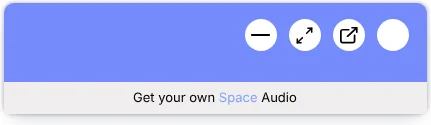
The widget minimised to a slim bar with controls.
Minimised & compact widgetTucks into the corner of the page while the visitor keeps browsing.
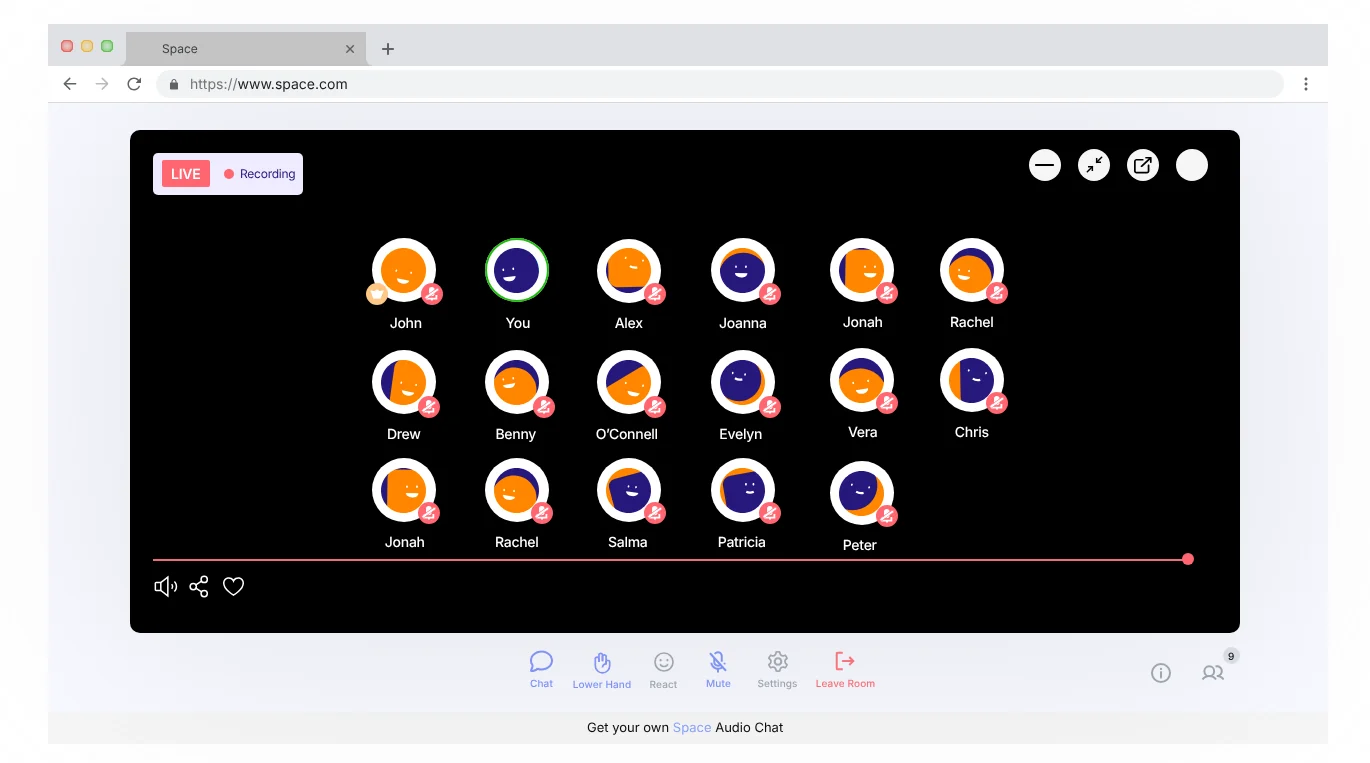
Expanded view on a website with many speakers shown on a dark stage.
Expanded viewA full-page room for when the conversation is the reason they came.
Pop-out window showing the audio room separately from the website.
Pop-outIts own window, so the room keeps playing while they move around the site.

The expanded experience

A full stage, still on your site.

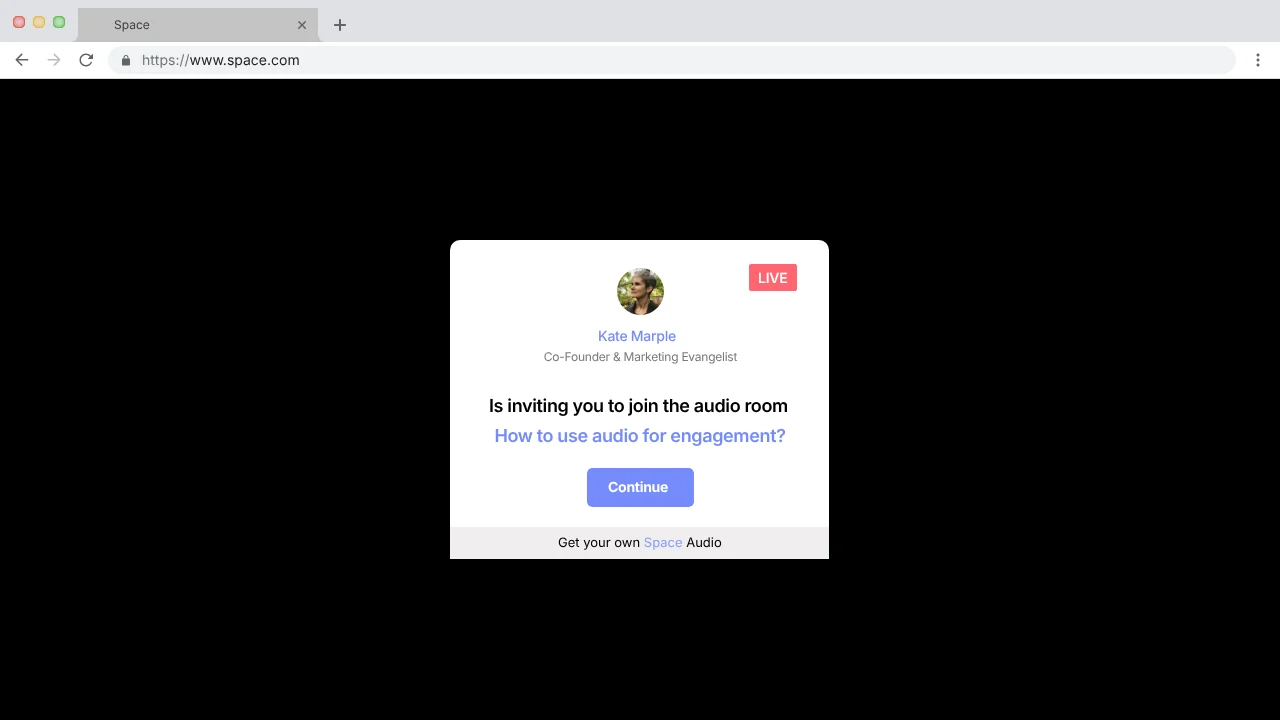
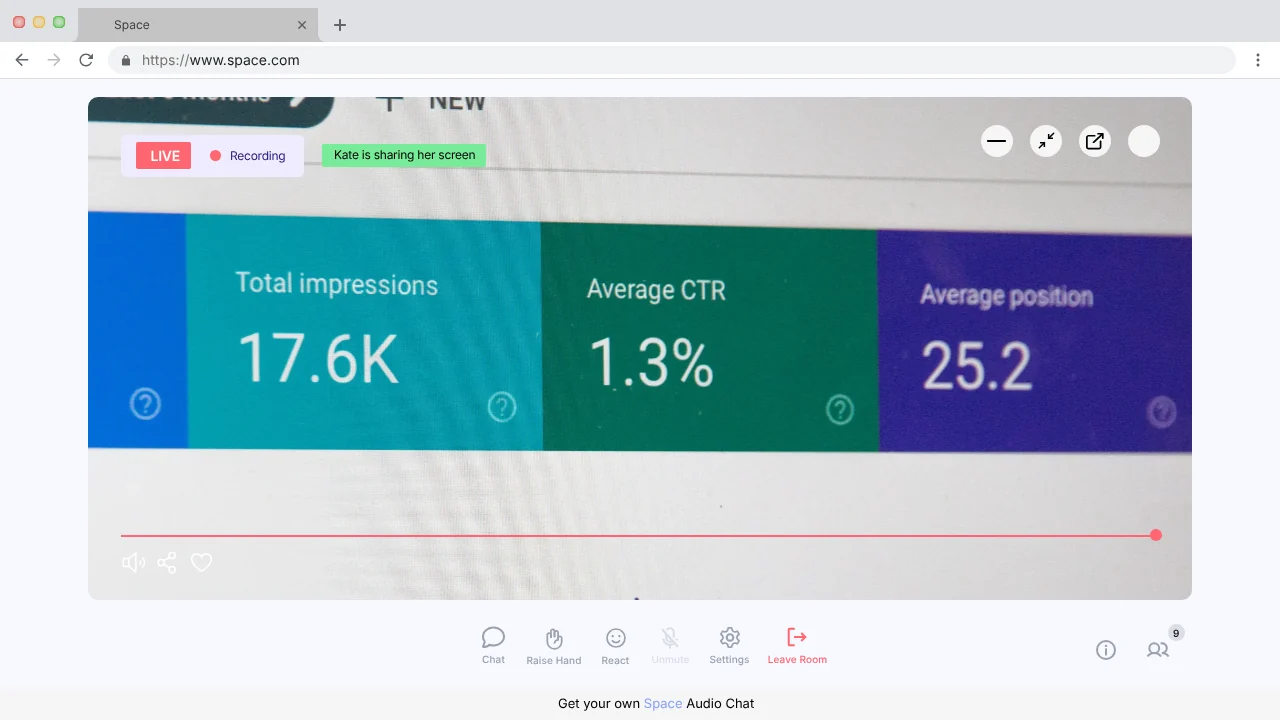
Invitation card: Kate Marple is inviting you to join the audio room 'How to use audio for engagement?' with a Continue button. Expanded room with the speaker's photo and live, recording badges beside the group chat. Expanded room with fifteen speakers on a dark stage. Expanded room showing a shared screen of analytics, labelled 'Kate is sharing her screen'.

Beyond live rooms

Conversations that don’t need a schedule.

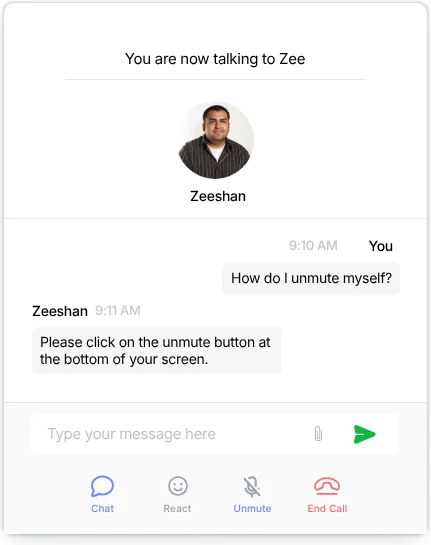
1:1 chat: 'You are now talking to Zee' with a text conversation about how to unmute, and controls for chat, react, unmute and end call.
1:1 audio chatTalk to the team privately, by voice or text, with an offline state that still takes a message.
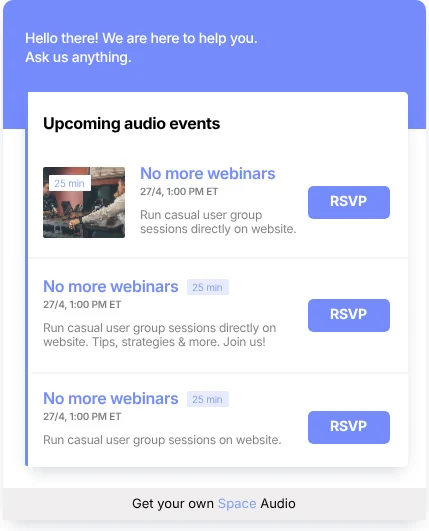
Upcoming audio events list with times, descriptions and RSVP buttons.
RSVP & previous sessionsUpcoming events to RSVP for, and past sessions to listen back to or get by email.

Design decisions

Small widget, complete experience.

No app, no account

Visitors join from the page they’re on. The only setup is a microphone permission, explained before the browser asks.

Listening first, speaking by choice

Everyone joins as a listener. Raising a hand, reacting and chatting let people take part at the level they’re comfortable with.

Commerce inside the conversation

The product ribbon puts a Buy button where the recommendation happens, instead of sending shoppers to search for it.

Every state designed

Re-joining, being muted by the speaker, a discussion ending, recording sent and errors all have their own clear screen.

Building a product people talk about?

Let’s design the experience around the conversation.